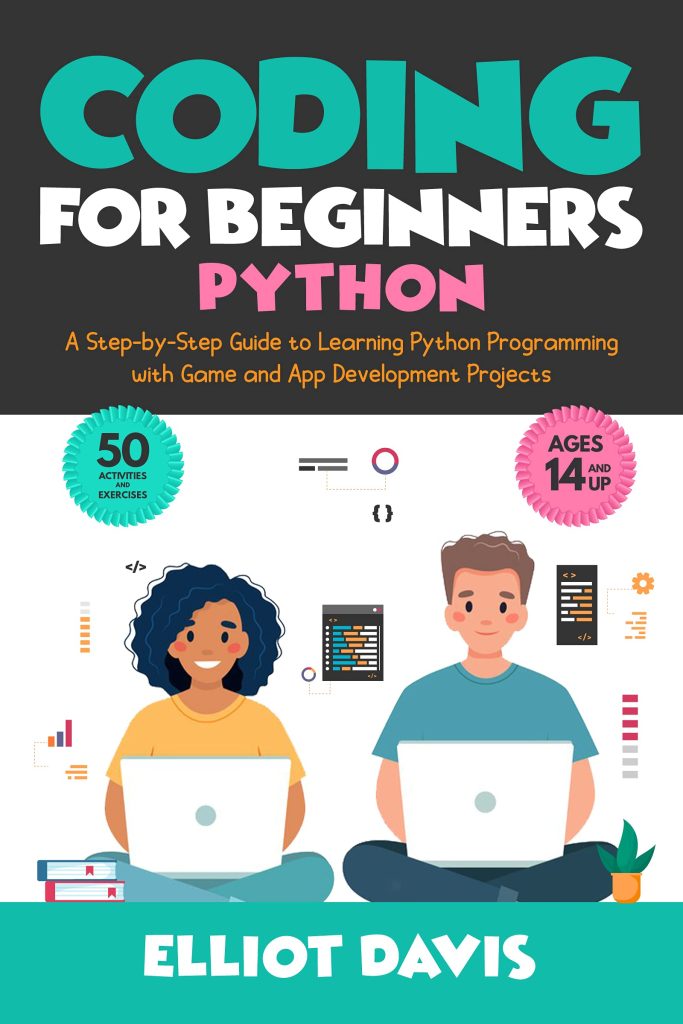

In today’s digital world, coding is no longer just a skill for software engineers or tech enthusiasts. It’s a foundational skill that is becoming increasingly important in various fields, from science and engineering to finance and marketing. If you’re looking to learn how to code, but don’t know where to begin, you’re in the right place! This beginner’s guide will walk you through everything you need to know to get started on your coding journey.
What is Coding?
Before diving into the “how,” let’s first understand what coding is. Coding, or programming, is the process of writing instructions for a computer to follow. These instructions, written in programming languages, tell the computer what tasks to perform. The term “code” refers to the written text that gives the computer its orders. Coding is the backbone of virtually every technological advancement we use today—websites, apps, games, and even artificial intelligence are powered by code.
Why Learn to Code?
You might be wondering why you should learn how to code. Here are a few reasons:
- Problem-Solving Skills: Coding teaches you how to break down complex problems into manageable parts and solve them step by step.
- Job Opportunities: The demand for tech professionals is skyrocketing. From web development to data science, there are countless career opportunities for people with coding skills.
- Creative Expression: With coding, you can create anything from simple websites to complex software applications, allowing you to bring your ideas to life.
- Automation: Coding allows you to automate repetitive tasks, saving time and increasing productivity.
- Critical Thinking: Coding encourages you to think critically and logically, skills that are useful in all areas of life.
Where to Start?
When you’re just beginning your coding journey, it’s important to choose the right language and resources. The world of coding can be overwhelming at first, but with the right approach, you can make steady progress. Let’s break down the first steps.
1. Choose a Programming Language
There are hundreds of programming languages to choose from, but as a beginner, it’s important to pick one that’s beginner-friendly and widely used. Here are some great options:
- Python: Python is one of the most popular and beginner-friendly programming languages. It has a simple syntax, which makes it easy to read and write code. Python is used for a variety of applications, from web development to data science and artificial intelligence.
- JavaScript: If you’re interested in web development, JavaScript is essential. It allows you to create interactive websites and is one of the most widely used languages in web development.
- HTML/CSS: These are not programming languages in the traditional sense, but they are essential for web development. HTML is used to structure content on the web, while CSS is used for styling.
- Scratch: If you’re completely new to coding, Scratch is a great place to start. It’s a visual programming language that uses a drag-and-drop interface to help you learn the basics of coding logic.
- Java: Java is a widely-used programming language, particularly in large systems and Android development. It has a steeper learning curve compared to Python but is still a good choice for beginners with an interest in object-oriented programming.
2. Set Up Your Environment
Once you’ve chosen a programming language, the next step is to set up your coding environment. This refers to the tools you need to write and run your code.
- IDE (Integrated Development Environment): An IDE is a software application that provides tools for writing, testing, and debugging your code. Examples of popular IDEs include Visual Studio Code (for many languages including JavaScript and Python), PyCharm (for Python), and IntelliJ IDEA (for Java).
- Text Editors: If you prefer something simpler, you can use a text editor like Notepad++ or Sublime Text to write your code. However, an IDE usually offers more features like code suggestions, error checking, and debugging.
- Command Line/Terminal: Some programming languages (like Python) allow you to run your code directly from the command line or terminal. For web development, you’ll also use the terminal to install libraries or frameworks.
3. Learn the Basics of Coding
Once your environment is set up, it’s time to dive into the basics of coding. Regardless of the language you choose, the core concepts of programming are universal. Here are some key areas to focus on:
Variables and Data Types
In coding, a variable is a container that holds data. Different types of data can be stored in variables, such as numbers (integers and floats), text (strings), and boolean values (True/False). Understanding how to use variables and data types is foundational to coding.
Example in Python:
age = 25 # integername = “John” # stringis_student = True # boolean
Operators
Operators allow you to perform operations on variables. Common operators include arithmetic operators (+, -, *, /), comparison operators (==, !=, <, >), and logical operators (and, or, not).
Example:
x = 10y = 5print(x + y) # Output: 15
Conditionals (If-Else Statements)
Conditionals help you make decisions in your code. They allow you to execute certain blocks of code based on whether a condition is true or false.
Example:
age = 20if age >= 18: print(“You are an adult.”)else: print(“You are a minor.”)
Loops
Loops allow you to repeat code multiple times. The two most common types of loops are for loops (which repeat a block of code a set number of times) and while loops (which repeat a block of code as long as a condition is true).
Example:
for i in range(5): print(i)
Functions
Functions are reusable blocks of code that perform a specific task. They allow you to break your program into smaller, manageable parts.
Example:
def greet(name): print(f”Hello, {name}!”) greet(“John”) # Output: Hello, John!
4. Practice, Practice, Practice
The key to learning coding is consistent practice. Here’s how you can make the most of your practice sessions:
- Solve Problems: Use websites like LeetCode, Codewars, or HackerRank to practice solving coding problems. These platforms offer challenges of varying difficulty levels that will help you improve your skills.
- Build Projects: The best way to learn is by doing. Start by building small projects that interest you. For example, create a simple calculator, a to-do list app, or a personal website.
- Join a Coding Community: Being part of a community can provide support and motivation. Consider joining coding forums like Stack Overflow or Reddit’s r/learnprogramming.
5. Debugging and Troubleshooting
As you write code, it’s inevitable that you will encounter errors. This is a normal part of programming. Debugging is the process of finding and fixing these errors.
Here are some common types of errors:
- Syntax Errors: These occur when you make a mistake in the way your code is written, like forgetting to close a parenthesis.
- Runtime Errors: These errors occur while the program is running, often because of invalid input or operations.
- Logical Errors: These are mistakes in your code that result in incorrect output. For example, using the wrong operator in a mathematical calculation.
6. Learn From Others
Reading other people’s code can be a great way to learn. Open-source projects on platforms like GitHub allow you to view and contribute to real-world code. Studying other people’s code can help you understand best practices, learn new techniques, and improve your coding style.
Conclusion
Learning to code can seem overwhelming at first, but with the right approach, it’s a rewarding and valuable skill. Start by choosing a beginner-friendly programming language, setting up your coding environment, and mastering the basics like variables, conditionals, loops, and functions. Remember, the most important part is to keep practicing and building your skills through hands-on projects.
With patience and persistence, you’ll soon be able to solve complex problems, create your own projects, and even pursue a career in tech. Happy coding!